

Run Your First Stress-Test
Evaluate your canvas across 7 dimensions and surface the risks hiding in your business model.
What you’ll learn
How to run a stress-test assessment that evaluates your business model across 7 dimensions and surfaces your riskiest assumptions.
Before you start
You need a canvas in LEANSpark. If you don’t have one yet, create one first.
Steps
Step 1 — Open your canvas chat
Navigate to your canvas and open the chat panel. This is where you interact with LEANSpark about your business model.
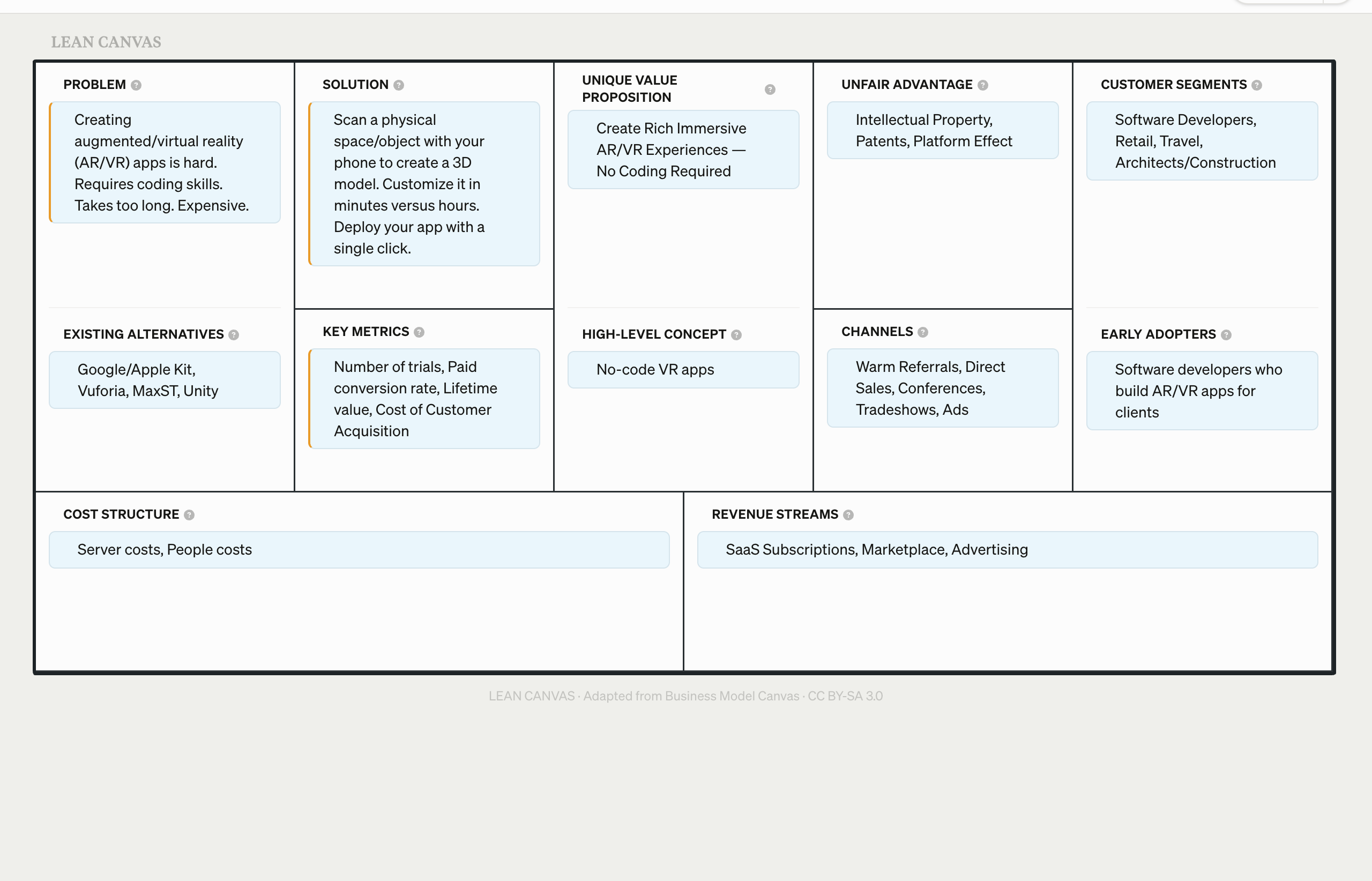
Step 2 — Ask LEANSpark to stress-test
Type something like “stress-test my canvas” or “run an assessment.” LEANSpark will begin evaluating your business model.
Step 3 — Watch the assessment run
LEANSpark evaluates your canvas across 7 dimensions: Clarity, Desirability, Viability, Feasibility, Defensibility, Mission, and Timing. You’ll see it working through each one in real time.
Step 4 — Review the results card
When the assessment completes, you’ll see a results card with color-coded ratings for each dimension — red, yellow, or green.
What to look for
- Red dimensions are existential risks — things that could kill your business if left unaddressed. These get priority.
- Yellow dimensions are known unknowns — you have a hypothesis but no evidence yet. These need experiments.
- Green dimensions are validated or low-risk — move on to higher-priority items.
- “Risk” here means uncertainty, not danger. A red rating doesn’t mean your idea is bad. It means you have untested assumptions that need validation.
What’s next
You’ve got your results — now learn how to read them properly. Continue to How to Read Your Stress-Test Results.